
Samsung Galaxy Tab S10 Lite Tablet Revealed with Exynos 1380 SoC
Samsung announces the Galaxy Tab S10 Lite, an affordable tablet with a 10.9-inch display, S Pen support, and an Exynos 1380 processor.
Abhinav Mishra is the Founder and Editor-in-Chief of Samsung Mobile. With a background in Information Technology and over 15 years of experience in the tech industry, he has worked across product development, digital strategy, and technology journalism. Abhinav is recognized for his deep knowledge of the Samsung ecosystem and has…
Samsung announces the Galaxy Tab S10 Lite, an affordable tablet with a 10.9-inch display, S Pen support, and an Exynos 1380 processor.
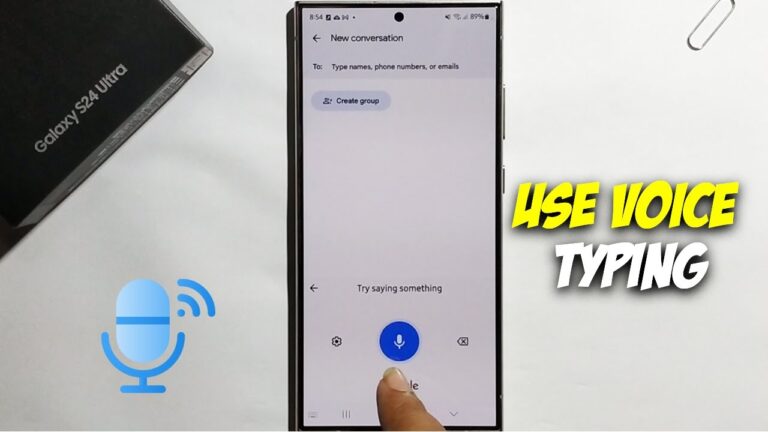
Learn how to use voice typing offline on your Samsung Galaxy phone. This guide covers enabling settings, downloading language packs, and troubleshooting.
Unleash the power of AI photo editing on your Samsung Galaxy S25! Learn how to use Generative Edit, Object Eraser, Scene Optimizer, and more for stunning…

Discover various ways to unlock powerful hidden features on your Samsung Galaxy device without enabling Developer Options, enhancing your user experience.
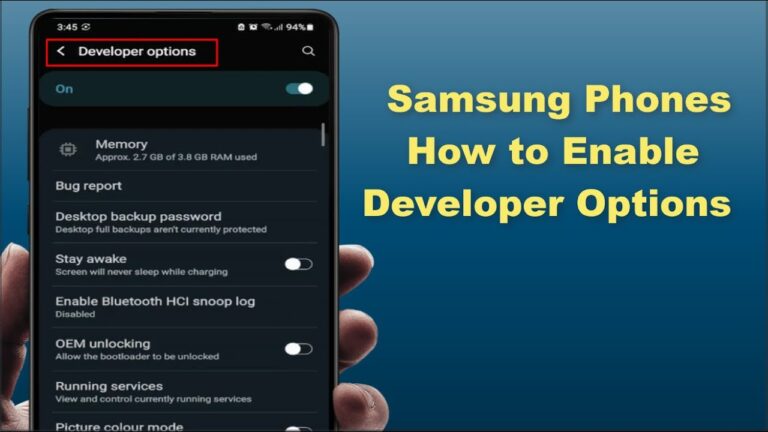
Unlock hidden settings on your Samsung phone by enabling Developer Options. This guide provides a simple, step-by-step process for accessing advanced features.
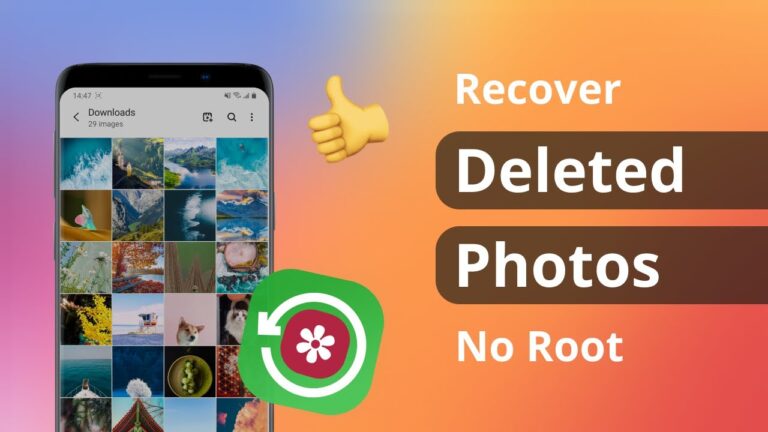
Learn how to recover deleted photos from your Samsung Gallery using the Recycle Bin, cloud backups, and data recovery software.
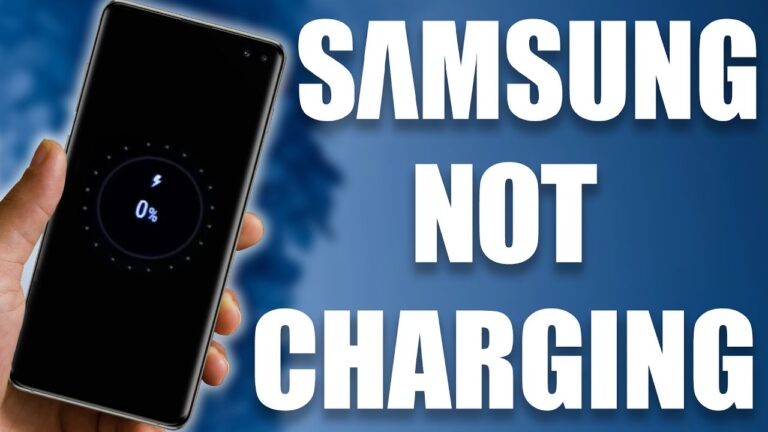
Is your Samsung phone not charging correctly? Learn step-by-step how to diagnose and fix common charging issues, from cable checks to port cleaning and software solutions.

Connect your hearing aids to Samsung Galaxy phones! Learn how to enable ASHA, Bluetooth LE Audio, and HAC for seamless streaming and clear calls.
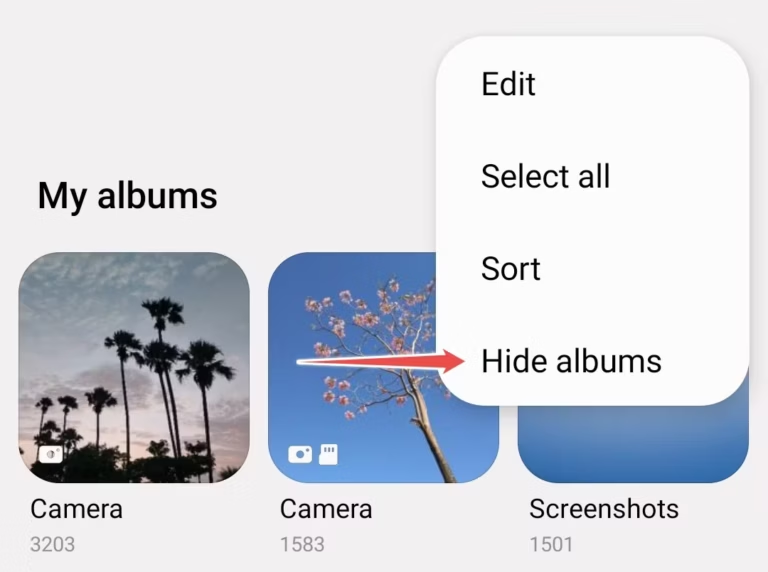
Learn how to hide photos on your Samsung phone using various methods like the Secure Folder, hidden albums, or third-party apps. Keep your private images safe…
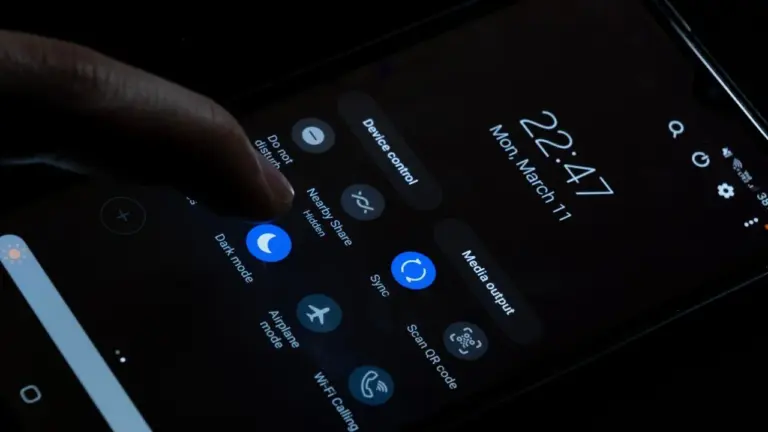
Enable dark mode on your Samsung phone for eye comfort & battery savings. Learn quick steps to activate Night Mode via settings, quick panel, or Bixby…
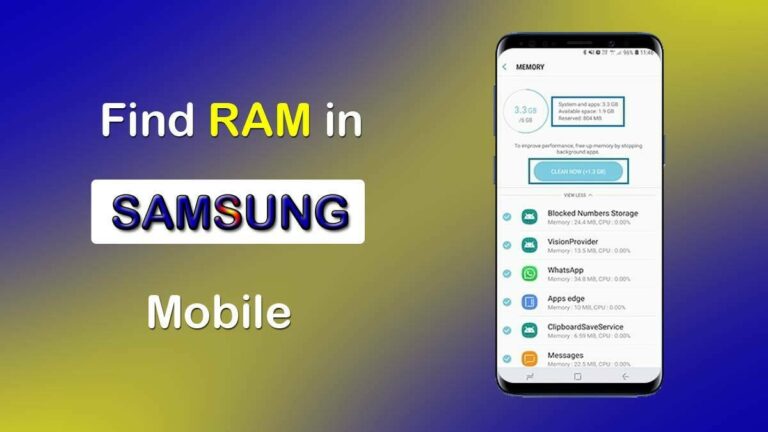
Learn how to check RAM usage on your Samsung phone to identify resource-hungry apps and optimize performance. This guide covers built-in tools and developer options.
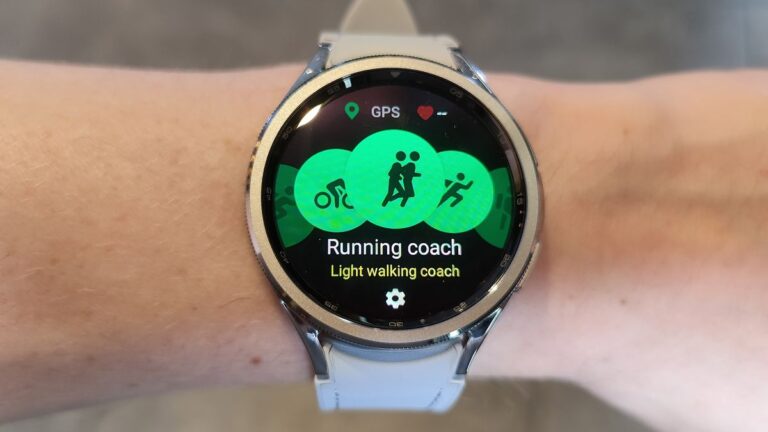
Master Samsung Health on your Galaxy Watch! Learn how to track fitness, monitor health, analyze sleep, and optimize settings for effective use.